
Record a real workflow
Open the Chrome extension and do the task the way you actually do it — clicks, inputs, and voice. This is workflow capture: screen recording to documentation, from the real thing, not a script you rehearse.
AI that understands, not just records. Stop writing docs from scratch — record the work you already do and get a publish-ready article back.

You turn a workflow into documentation by recording the real workflow once with a browser extension. AI then reconstructs the intent behind the steps — not just the clicks — into a structured, editable text article you can refine like a document, translate in one step, and publish to any help center.
From one recording to a reviewed article draft — not a blank-page writing project.
One workflow becomes a one-step multilingual article, up to 6 target languages per workspace.
Drafts arrive as a structured article over canonical blocks — edit it like a document.
No setup, no integrations, no per-seat minimum. Install the extension and go.
Figures describe how KnowHub works, not KnowHub-measured benchmarks. Language and plan limits apply per workspace.
One recording in, an editable multilingual article out. Here is the transformation, step by step.
Open the Chrome extension and do the task the way you actually do it — clicks, inputs, and voice. This is workflow capture: screen recording to documentation, from the real thing, not a script you rehearse.
KnowHub reads what you were trying to accomplish and rebuilds the reasoning behind each step — not a log of pixels. That is the difference between a screen recorder and AI that understands the work.
The workflow comes back as a structured, editable text help article — headings, steps, and context in canonical blocks — not a wall of screenshots or a video you have to host. You convert a screen recording to a help article without writing it from scratch.
Refine tone, add context, or ask the AI to help — it is rich text, so you keep it current by editing a paragraph, not by re-recording the whole workflow. Documentation that stays true as the process changes.
Turn the finished article into a one-step multilingual version, then publish it wherever your content lives. Record once, ship it in every language your team reads.
A screen recorder captures what you did. KnowHub captures why you did it.
Instead of a click-by-click transcript, it reconstructs the intent behind the workflow and writes it up the way a person on your team would explain it — in plain language, in the right order, with the context a screenshot can never carry. That is what lets the output read like documentation, not a replay.
Reconstructed, not logged
Same recording. Very different output.
The other column describes a generic screenshot/video recorder, not one named product. Comparing specific tools? Read the Scribe alternative or KnowHub vs. Guidde.
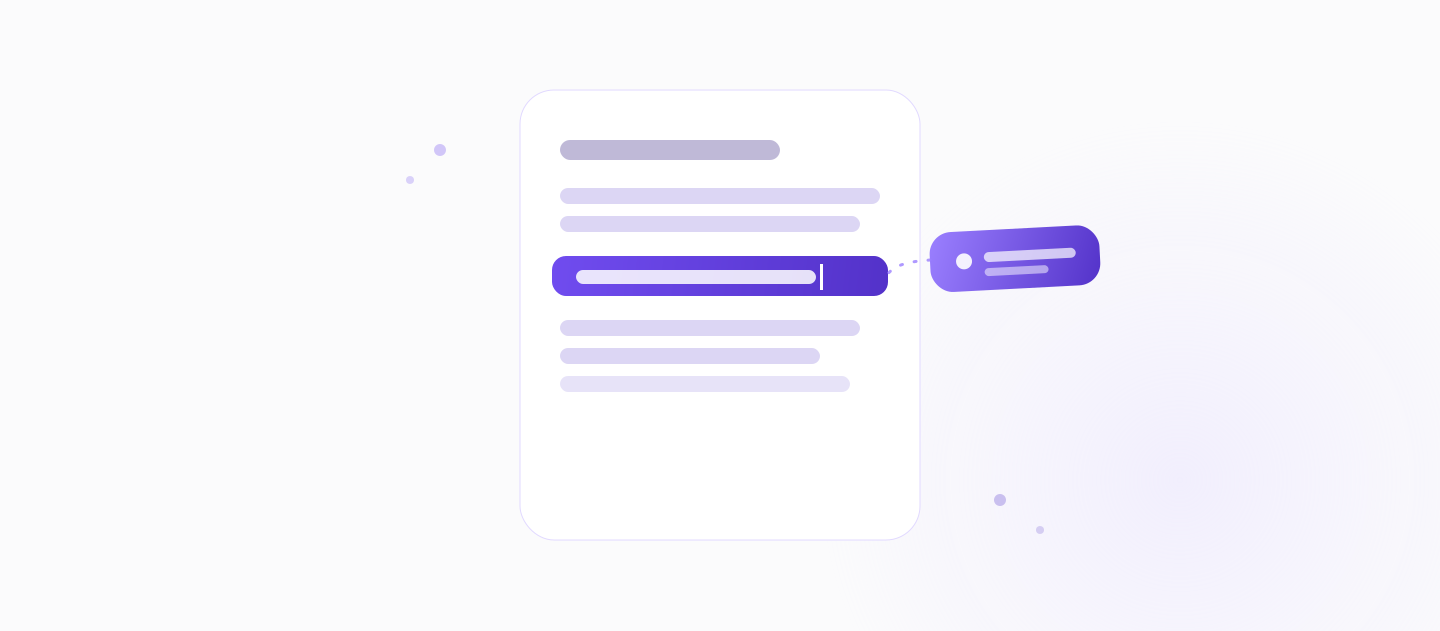
Drafts land as rich text over canonical block types. Change tone, add a warning, split a step — no recording software required.

When the process changes, edit the paragraph that changed. No re-recording, no stale screenshots, no drift from reality.
With Article Q&A, your team asks a question and gets an answer grounded in your knowledge base's own articles — so documented workflows actually get used.
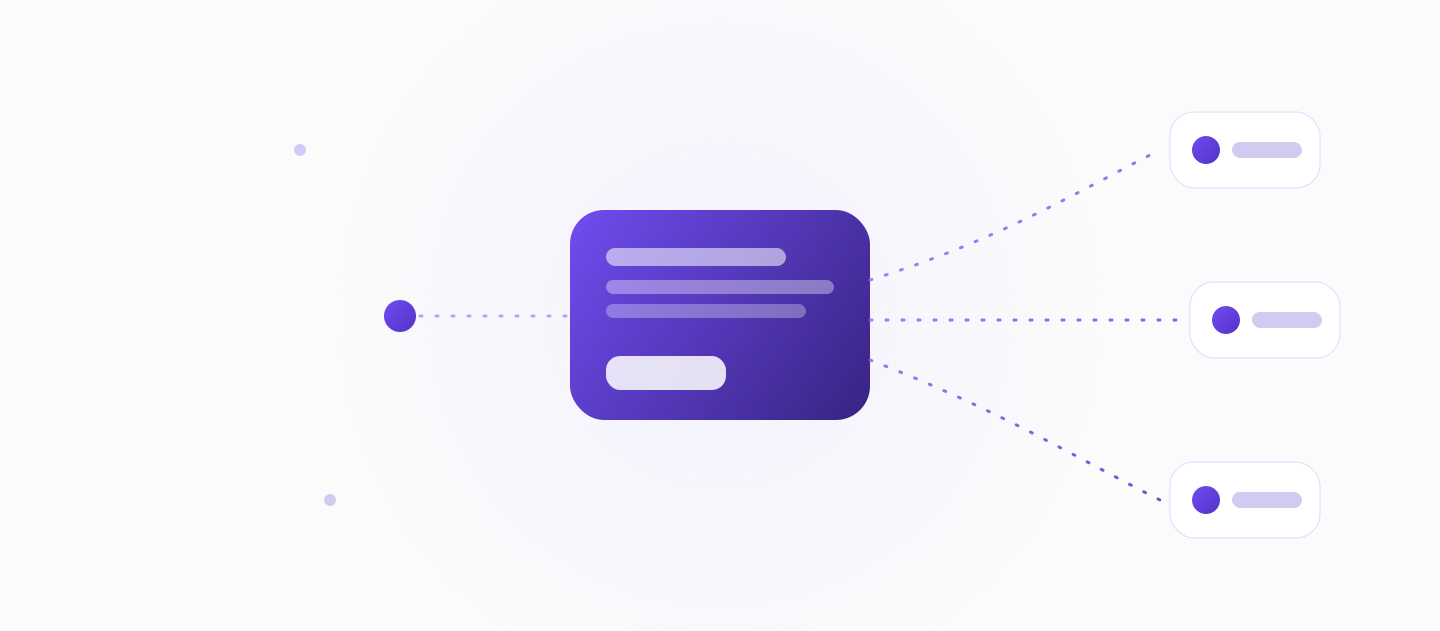
The finished article is portable text — send it to your help center, internal KB, or SOP library wherever content is accepted.
One recording produces a one-step multilingual version — up to six target languages per workspace — without a separate translation project or an enterprise upgrade.
Multilingual is core and ungated. It is not unique to KnowHub in this category, but it is here from the start, not locked behind a sales call.
Recording a real workflow means real data is on screen. KnowHub redacts sensitive inputs the moment they are captured — they are never stored.
Document the work with confidence, without leaking what should stay private.
Redacted at capture
Turning a workflow into an article is the engine. What you point it at is up to you — KnowHub powers each of these:
Feed recorded workflows into a customer-facing help center that writes itself.
AI help center softwareTurn tribal know-how into an internal KB your team can search and ask.
AI knowledge base softwareDocument processes without slowing the team — SOPs that stay current.
process documentation softwareGet the first publish-ready article in minutes, from one recording.
help center article generatorRecord the workflow once with the Chrome extension; AI reconstructs the intent into a structured, editable text article you can translate and publish. You record the real task — clicks, inputs, and voice — and KnowHub returns a draft you refine like a document rather than writing from a blank page.
A screen recorder logs clicks and screenshots; KnowHub reconstructs the intent behind the workflow into a narrative text article you edit like a document — AI that understands, not just records. The output reads like a teammate explained it, not like a replay of your cursor.
Yes — KnowHub converts a screen recording into an editable, structured text help article, not just a video or a screenshot list, that you publish to any help center. Because it is text, you maintain it by editing rather than re-recording.
The primary output is an editable, structured text article you maintain by editing a paragraph — not a video you must re-record when the process changes. Text is easier to search, translate, and keep current than a recording.
You edit the article like any document — change a paragraph — instead of re-recording the whole workflow, so the knowledge base stays current without going stale. When a step changes, you fix that step and publish.
Yes — one recording produces a one-step multilingual version, up to 6 target languages per workspace. Multilingual is core and ungated, though it is not exclusive to KnowHub in this category; it is available from the start rather than locked behind an enterprise plan.
Yes — sensitive inputs like passwords, emails, card numbers, API keys, tokens, SSNs, and OTPs are redacted at capture and never stored. You can document real workflows without exposing what should stay private.
Yes — Article Q&A lets the team ask questions and get answers grounded in the knowledge base's own articles, so documented workflows actually get used instead of sitting unread. Answers come from your content, at the content level.
You can start free — no setup, no integrations, and no per-seat minimum, so a one- or two-person team is not forced to buy seats it does not have. Paid upgrades add more; install the Chrome extension to create your first article.

Record the work you already do and get an editable, multilingual article back. No setup, no seat minimum.
Building a customer-facing help center? Try the help center article generator, or see how it powers AI help center software.