
Record it once
Install the Chrome extension and do the task the way you normally would. KnowHub captures the real workflow — the screen recording becomes the raw material, not the deliverable.
Record a real workflow once. KnowHub reconstructs how the task is actually done into a structured, editable SOP — then builds a living internal knowledge base your team can search, ask questions of, and keep current. No writing from scratch.

Process documentation software is a tool that captures how a task is actually performed and turns it into a structured, shareable document — a standard operating procedure (SOP) — so teams can follow, search, update, and ask questions about the process instead of writing it from scratch.
Most tools stop at recording clicks. KnowHub reconstructs the intent behind the workflow, so what your team reads is a real procedure in plain, editable text — not a stack of screenshots or a video they have to re-watch to find one step.
Documenting a process shouldn't mean staring at a blank page. Record the work once and KnowHub's SOP generator turns it into structured, editable text — the record → reconstruct → edit path, end to end.
Install the Chrome extension and do the task the way you normally would. KnowHub captures the real workflow — the screen recording becomes the raw material, not the deliverable.
KnowHub reads what you actually did and rebuilds it as a structured SOP: ordered steps, context and the reasoning — not just a list of clicks. This is the SOP generator doing the writing for you.
The result is a clean, structured text SOP you can refine, reorder and publish to your internal knowledge base. Change a wording, add a note, done.
Want the capture mechanism in detail? See how capture works.
An internal process documentation tool is only useful if people can find the answer fast.
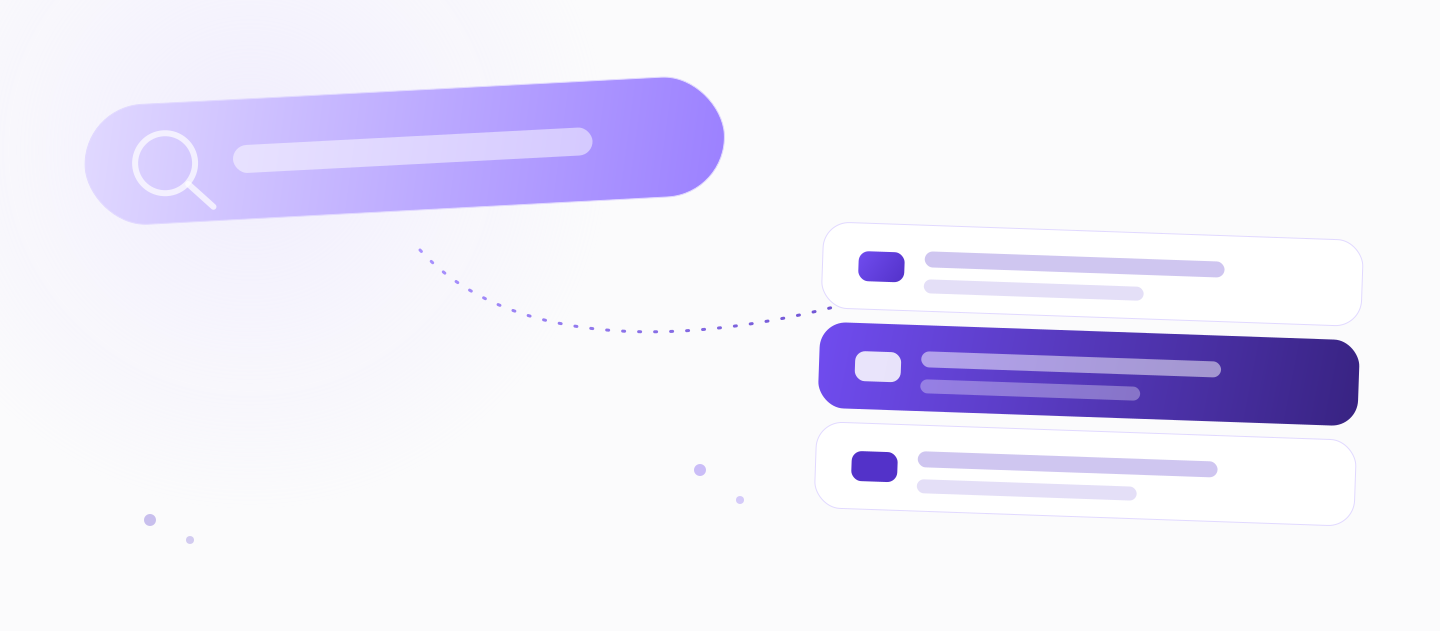
Every documented workflow lands in one searchable internal knowledge base. Your team stops asking the same person the same question — the SOP is right there.
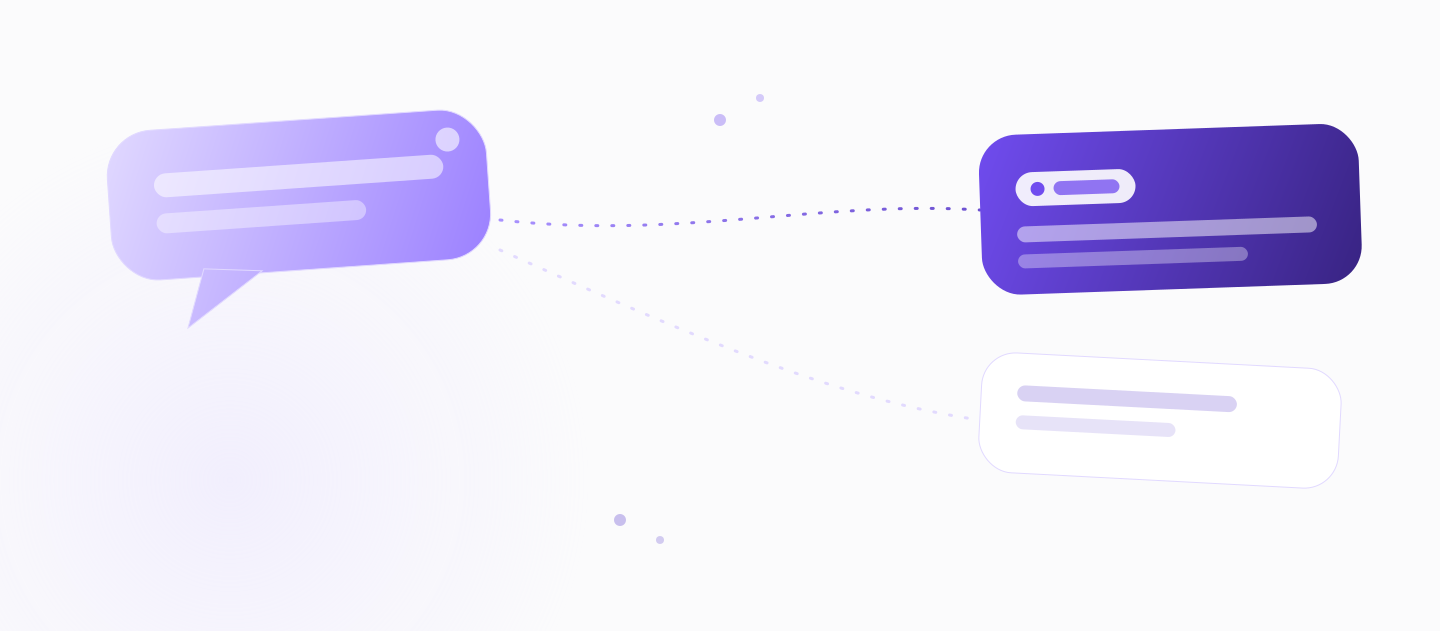
Article Q&A answers questions using the content of your own knowledge base. Ask “how do we onboard a new vendor?” and get the answer drawn from the SOPs you already documented — no digging.
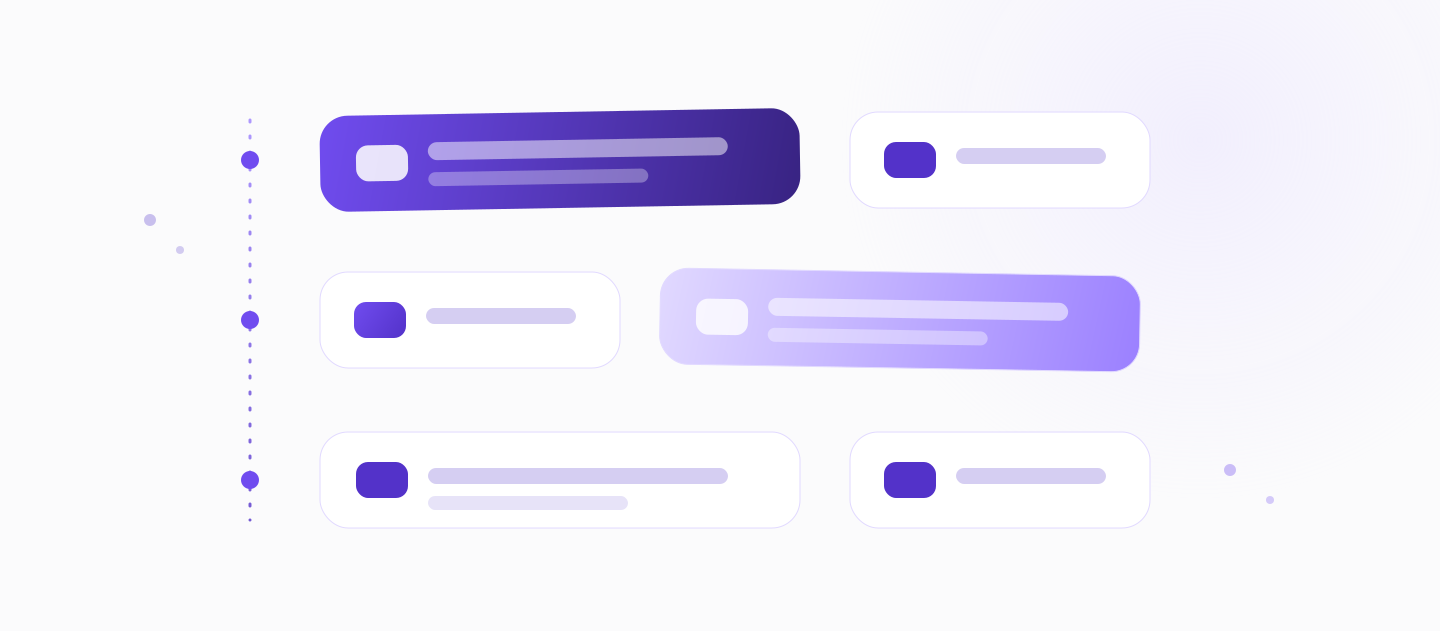
Because every SOP is built from a real workflow, the knowledge base fills itself with usable procedures — instead of sitting empty waiting for someone to write them.
Every SOP lands in one place — the same engine behind our AI knowledge base software, pointed at your team's internal processes.
When a process changes, edit the paragraph that changed — the SOP is living text, so there's no need to re-record a video or recapture screenshots.
This is why internal knowledge bases go stale: keeping them current is too much work. KnowHub removes the tax. A step moved? A button renamed? Fix the sentence. The SOP stays accurate, and your team keeps trusting it.
What that means
Yes — SOPs can be multilingual. KnowHub produces them in one step, so a process you document once is readable by your whole team, wherever they are.
Multilingual is core and ungated — not a paid add-on and not exclusive to KnowHub in this category. Document the workflow in your language; your team reads it in theirs.Honest note: other tools localize too — this is a core capability, not a KnowHub exclusive.
Part of the product
Sensitive inputs — passwords, tokens, cards, API keys — are redacted at the moment of capture and never stored.
Documenting real internal processes means recording real screens. KnowHub is built for that: sensitive values are stripped as the workflow is captured, so your SOPs stay safe to share across the team.
Redacted at capture
Record once — the SOP writes itself.
SOPs written from scratch.
To a multilingual SOP.
Edit a paragraph, not re-record.
These describe how KnowHub works — product facts, not measured performance claims.
The difference is intent — clicks captured vs a process understood.
Comparing specific tools? See KnowHub vs Scribe and KnowHub vs Tango.
Software that turns how a task is really done into a structured, editable SOP a team can search, follow, and keep current — instead of writing procedures from scratch.
A standard operating procedure is a documented, repeatable set of steps for completing a task the same way every time. Good SOPs are searchable, current, and easy to follow.
Record the workflow once with the KnowHub Chrome extension. KnowHub reconstructs the intent into a structured, editable text SOP — no writing from scratch — which you then refine and publish to your internal knowledge base.
A screen recording or video has to be re-watched or re-recorded to change. KnowHub produces editable text, so you update the SOP by changing a paragraph — and your team can search it and ask it questions.
Edit the paragraph that changed. Because the SOP is living text, there's no need to re-record a video or recapture screenshots — which is exactly why internal knowledge bases usually go stale, and why KnowHub's don't have to.
Traditionally you'd draft steps by hand and keep them updated manually. With KnowHub the SOP generator does the drafting: you perform the task, and it writes the structured procedure for you to edit — turning workflows into documentation instead of blank pages.
Yes. KnowHub produces multilingual SOPs in one step. Multilingual is core and ungated — not a paid add-on, and not exclusive to KnowHub in the category.
Common SOP examples include onboarding a new hire, processing a refund, closing the books, or handling a support escalation. Rather than copy a template, KnowHub builds the example from your own workflow, so the SOP matches how your team actually works.
Yes. Sensitive inputs such as passwords, tokens, cards and API keys are redacted at capture and never stored.
Yes — start free and install the Chrome extension. No demo, no setup, and no per-seat minimum, so a founder or a small team can document their first SOP without a dedicated writer.
Those tools output click-based screenshots or video. KnowHub builds a searchable, editable text SOP knowledge base you can ask questions of and keep current by editing a paragraph. See KnowHub vs Scribe and KnowHub vs Tango for a side-by-side.

Capture one real workflow and watch your internal knowledge base start to build itself. Free to start — no writer, no setup, no per-seat minimum.
Documenting customer onboarding? See the onboarding use case. Writing external docs instead? Try the help center article generator.